When payroll runs, you get a single lump sum hitting your bank account and a pile of line items that need to land in different GL accounts. Gross wages go to one expense account, employer taxes to a liability account, net pay to your payroll clearing account. If your accounting platforms native integration with Ramp is set up correctly, those payroll journal entries can sync automatically so each component posts where it belongs without manual data entry. The gap most teams hit is that Ramp handles the sync mechanics, but your payroll provider and your chart of accounts structure determine whether the journal entries actually route correctly when they land.
TLDR:
Ramp connects to QuickBooks, Xero, and NetSuite through native integrations, meaning the connection is built and maintained by Ramp instead of being routed through a third-party sync tool. When payroll runs through a connected provider like Gusto or Rippling, Ramp can pull the associated journal entries and push them into your general ledger automatically.
The sync covers more than just totals. Each payroll run typically generates several distinct journal entries:
The native connection maps these entries to your existing account structure on first setup, so subsequent payroll runs post without manual intervention. Ramp also syncs vendor and employee data bidirectionally, which keeps payee records consistent across your expense and payroll workflows.
For accounting teams, the practical result is that payroll journal entries arrive in the GL dated correctly, categorized consistently, and ready for review without waiting on a manual export.
Ramp connects to several major accounting systems through native integrations, and each one handles payroll journal entries differently. Understanding where those gaps exist helps you decide whether the connection will actually hold up at month-end close.
Here is a quick look at how each integration handles payroll data:
| Accounting System | Native Ramp Integration | Payroll Journal Entry Support |
|---|---|---|
| QuickBooks Online | Yes | Partial: expense sync works; payroll JEs require manual entry or a separate payroll tool |
| Xero | Yes | Partial: transaction-level sync available; payroll JEs not auto-posted |
| NetSuite | Yes | More configurable, but setup complexity is high and typically requires admin work |
| Sage Intacct | Yes | Supports journal entry import; payroll mapping depends on your chart of accounts setup |
The consistent theme across all four: Ramp's native integrations were built around corporate card spend, not payroll. Payroll journal entries tend to live in a separate layer.
Ramp's native accounting integrations push several distinct transaction categories directly into your general ledger, each mapped to its own account and class.
Most teams are surprised by the breadth of what flows through automatically:
The sync runs in near real-time for most transaction types, meaning your books reflect spend within hours instead of at month-end.
Ramp's native accounting integrations handle payroll journal entries by syncing directly with QuickBooks Online, Xero, NetSuite, and Sage Intacct. When payroll runs through a connected provider like Gusto or Rippling, Ramp pulls and maps journal entries in your accounting software automatically.
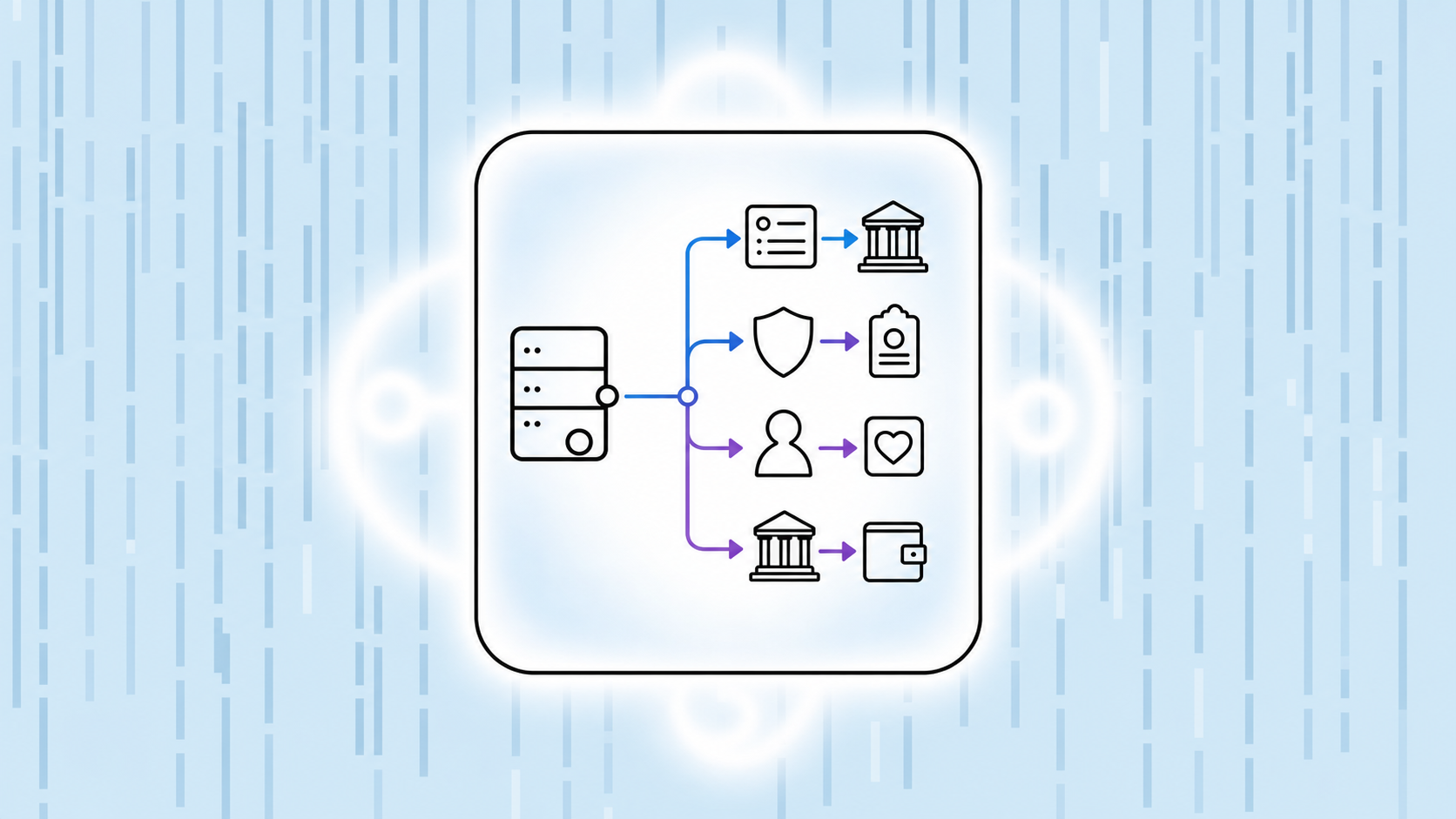
The sync covers the core components most startups need recorded each pay period. Payroll entries follow a debit-credit structure:
The mapping logic works well for standard payroll structures, but it depends heavily on how your chart of accounts is configured upfront. If your GL is sparse or inconsistently coded, Ramp's sync will surface those gaps instead of papering over them. Multi-entity startups with separate payroll runs per entity also require careful setup, since the integration routes entries by the connected entity's books without consolidating automatically.
Before payroll journal entries can sync correctly, Ramp needs to know where each line item belongs in your books. That setup happens through two connected configurations: your chart of accounts mapping and your accounting field assignments.
When you connect Ramp to your accounting software, you assign GL accounts to each spend category Ramp tracks. Payroll-related spend, reimbursements, and employer tax contributions each get mapped to the corresponding account in your ledger. Setting up payroll accounts in your chart of accounts before the first sync means salary expense, benefits expense, and tax liability accounts exist for Ramp to map to, so entries push to the right place automatically.
Beyond GL accounts, Ramp lets you map custom accounting fields such as departments, cost centers, and classes to transactions before they post. For payroll journal entries, a payroll run can carry department-level attribution the moment it lands in your ledger, without manual tagging after the fact.
Getting these configurations right upfront is what separates a clean sync from a reconciliation headache later. If your chart of accounts changes mid-quarter, you will need to revisit these mappings to keep entries posting correctly.
Ramp's accounting rules engine lets you set conditions that apply GL codes, cost centers, and memos to incoming transactions. When an employee books a flight, for example, a rule can tag it to the correct travel expense account before it ever reaches your accounting software.
These rules work across merchants, card programs, and spend categories. You can layer conditions so a SaaS subscription from a specific vendor routes to a dedicated software budget line, while a similar charge from a different vendor goes elsewhere.
Payroll journal entries follow a different path. Ramp connects to accounting software through its native integrations, and those connections sync card transactions with their mapped GL codes. Payroll data, though, typically flows through a separate sync from your payroll provider, not through Ramp's transaction rules.
Knowing which layer handles which transaction type saves hours of troubleshooting at month-end close.
Ramp's built-in reconciliation tool compares your Ramp account balance against what's posted in your accounting software, flagging discrepancies in real time. For most startups, this catches the common pain points: duplicate entries, missing receipts, and coding errors that would otherwise surface only at month-end.
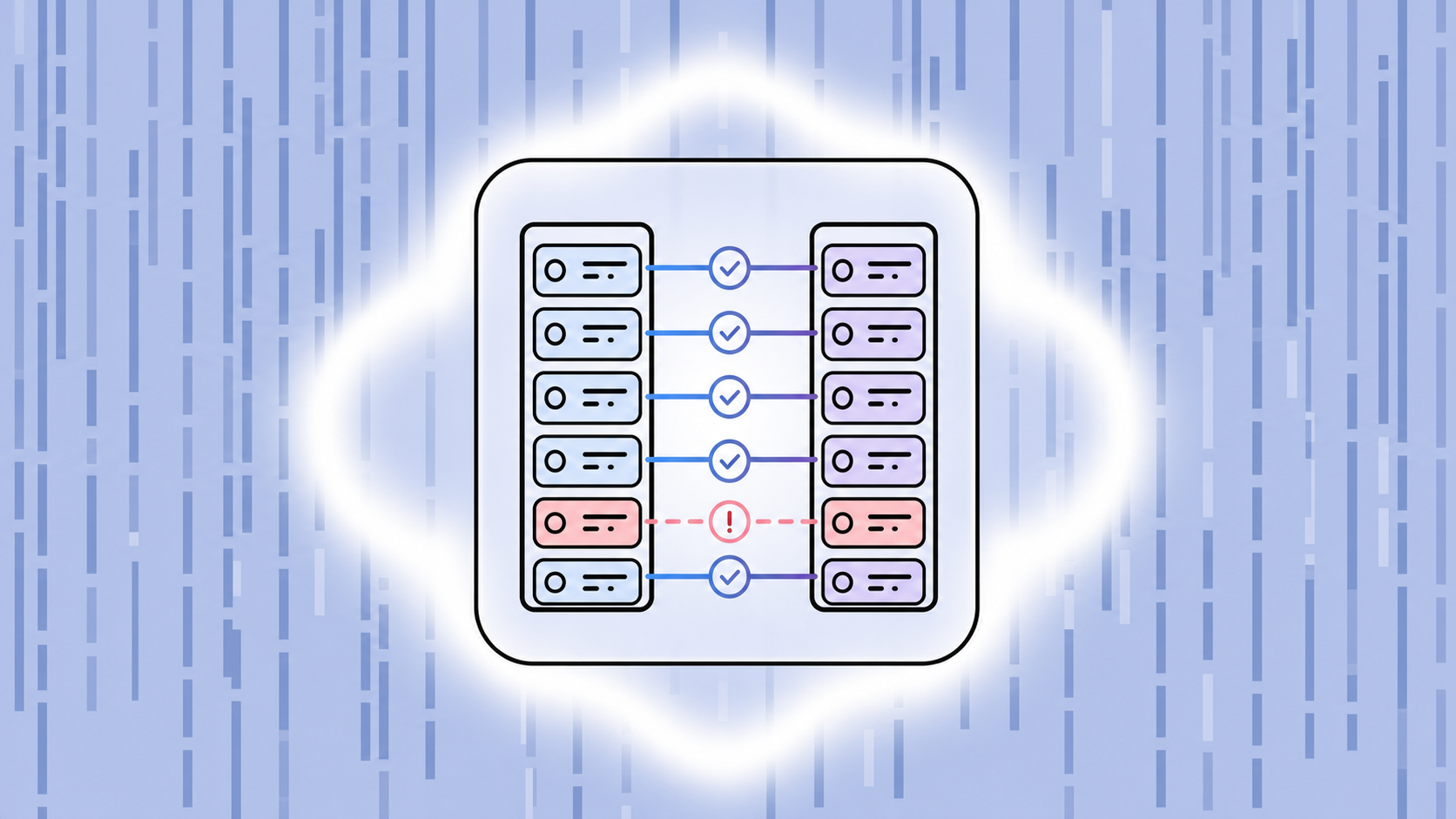
The process works in three steps once the native integration is active:
Where teams run into trouble is payroll. Payroll journal entries typically come from a separate source (Gusto, Rippling, or a similar provider), and Ramp does not originate those entries. If your accounting software reconciliation workflow assumes all labor costs flow through Ramp, you will have gaps. The fix is mapping payroll accounts explicitly in your chart of accounts and treating payroll journal entries as a parallel workflow, not part of the Ramp sync.
If you run payroll twice a month and close books monthly, you need two manual journal entry imports sitting alongside your Ramp transaction feed before reconciliation is complete. Accounting software that surfaces this clearly saves your team from a last-minute scramble. Software that buries it costs you hours you do not have.
Accounting firms managing multiple clients on Ramp face a recurring challenge: payroll journal entries that need to hit the right accounts, every pay period, without manual rework. When Ramp's native accounting integrations are configured correctly, that workflow gets much tighter.
Most firms set up Ramp's GL mapping at the client level, assigning expense categories directly to chart of accounts codes. When payroll-related reimbursements or employer card spend flows through Ramp, those transactions export with the correct debit and credit structure already attached.
The real value shows up across a few specific workflows:
For firms running lean, these connections cut the back-and-forth that typically adds hours to each client's monthly close. The integration handles the mechanical work; the accountant applies judgment where it counts.
Puzzle's native Ramp integration pulls corporate card transactions directly into your general ledger without manual CSV exports or third-party connectors. Every charge syncs automatically, gets categorized against your chart of accounts, and flows into your books in real time.
Where this saves the most time is payroll journal entries. When you run payroll through a provider like Gusto or Rippling, those transactions hit your Ramp cards and bank accounts in ways that require careful split coding: gross wages, employer taxes, and benefit deductions each map to different GL accounts. Puzzle handles that mapping automatically, so the journal entry lands correctly the first time.
Before native integrations, finance teams would manually match Ramp card activity against payroll reports at month-end. With Puzzle's connection, that workflow collapses:
The result is pre-coded and verified payroll entries at close before your accountant even opens the file. For early-stage startups running lean finance teams, that difference in time compounds every single month.
The biggest gap in most native accounting integrations is that payroll journal entries flow separately from your expense transactions, which means you're matching two streams at month-end instead of one. Ramp handles card spend well, but payroll still requires correct chart of accounts mapping upfront and a separate sync from your payroll provider. Book a demo with Puzzle if you want accounting software that treats payroll and expenses as part of the same automated close workflow.
Partially. Ramp syncs corporate card transactions and reimbursements automatically to QuickBooks Online, Xero, NetSuite, and Sage Intacct, but payroll journal entries require a connected payroll provider like Gusto or Rippling to flow through correctly. The native integration handles the routing, but you still need proper chart of accounts mapping upfront to avoid manual cleanup at month-end.
Ramp handles the sync between your payroll provider and accounting software, but you're managing the connection setup and mapping yourself. Puzzle automates the entire workflow: payroll transactions from Gusto or Rippling sync through your Ramp cards, get categorized by AI against your chart of accounts, and land as correctly split journal entries (gross wages, employer taxes, benefit deductions) without manual coding. For lean finance teams, Puzzle removes the reconciliation step Ramp still requires.
Set up chart of accounts mapping when you first connect Ramp to your accounting software. Assign each payroll-related spend category (salary expense, benefits expense, employer tax liabilities) to the corresponding GL account in your ledger. Then configure accounting field assignments for departments or cost centers so payroll runs carry attribution automatically. If your chart of accounts changes mid-quarter, revisit these mappings to keep entries posting correctly.
Ramp's integrations were built for corporate card spend, not payroll workflows. Even with QuickBooks Online or Xero connected, payroll journal entries sit in a separate layer: you need a direct sync from your payroll provider to post gross wages, tax liabilities, and benefit deductions automatically. That leaves most teams manually importing two payroll journal entries per month before reconciliation is complete, which adds hours back into the close process Ramp was supposed to shorten.