Startup Accounting
7 Best Accounting Automations for Startups in May 2026
See the 7 top accounting automations for startups in May 2026. AI categorization, reconciliation, revenue recognition, and more to save time and improve accuracy.

5.5.26

See the 7 top accounting automations for startups in May 2026. AI categorization, reconciliation, revenue recognition, and more to save time and improve accuracy.
You can't afford a full-time controller, but you need controller-level visibility into your burn rate and runway. That gap is where AI-native accounting automations make the difference. The seven automations below handle the repetitive work that used to require a dedicated finance hire, giving you daily insights into the metrics that actually matter for survival and growth.
TLDR:
Accounting automations are AI and software-powered workflows that eliminate the manual tasks eating up your time: categorizing transactions, matching receipts, recognizing revenue, closing the books. They run in the background so you can focus elsewhere.
Adoption is accelerating fast. 61% of small businesses now use AI for tasks like invoicing, payroll, and inventory management. For startups with lean teams and no dedicated finance staff, that shift matters. Every hour spent on repetitive bookkeeping is an hour not spent on product, customers, or growth.
What makes automations especially valuable at the startup stage is what they unlock beyond time savings. When your books update daily instead of monthly, accounting stops being a compliance chore and starts being a real-time source of insight into burn rate, runway, and financial health.
Four criteria drove the list:
Automations that scored well across all four landed at the top. Each one targets a specific pain point that comes from managing books manually or relying on legacy tools that require constant human intervention to function.
| Automation Type | Time Saved Per Month | Accuracy Impact | Best For |
|---|---|---|---|
| Transaction Categorization with AI | 15-20 hours | Up to 98% categorization accuracy with continuous learning that adapts to your chart of accounts | All startups processing 100+ monthly transactions who need clean books without manual review |
| Bank Reconciliation | 8-12 hours | Catches discrepancies in real time before they compound into month-end errors | Startups with multiple bank accounts or credit cards needing daily visibility into cash position |
| Revenue Recognition | 10-15 hours | ASC 606 compliant schedules calculated automatically without manual journal entries | SaaS startups with subscriptions, multi-year contracts, or usage-based billing models |
| Month-End Close | 5-10 days reduced to 1-2 days | Eliminates errors from manual reconciliation and generates accurate statements on demand | Startups preparing for fundraising or investor reporting who need faster close cycles |
| Expense Tracking | 6-10 hours | Automatic receipt matching and categorization prevents late or miscategorized submissions | Distributed teams with frequent employee expenses across departments or cost centers |
| Financial Reporting and Dashboards | 3-5 hours | Real-time burn rate and runway calculations eliminate stale data in decision-making | Founders making weekly or daily decisions who need continuous visibility into financial metrics |
| Bill Pay Automation | 4-6 hours | Reduces duplicate payments and missed due dates through automated approval workflows | Startups managing vendor relationships and cash flow timing with multiple approvers |
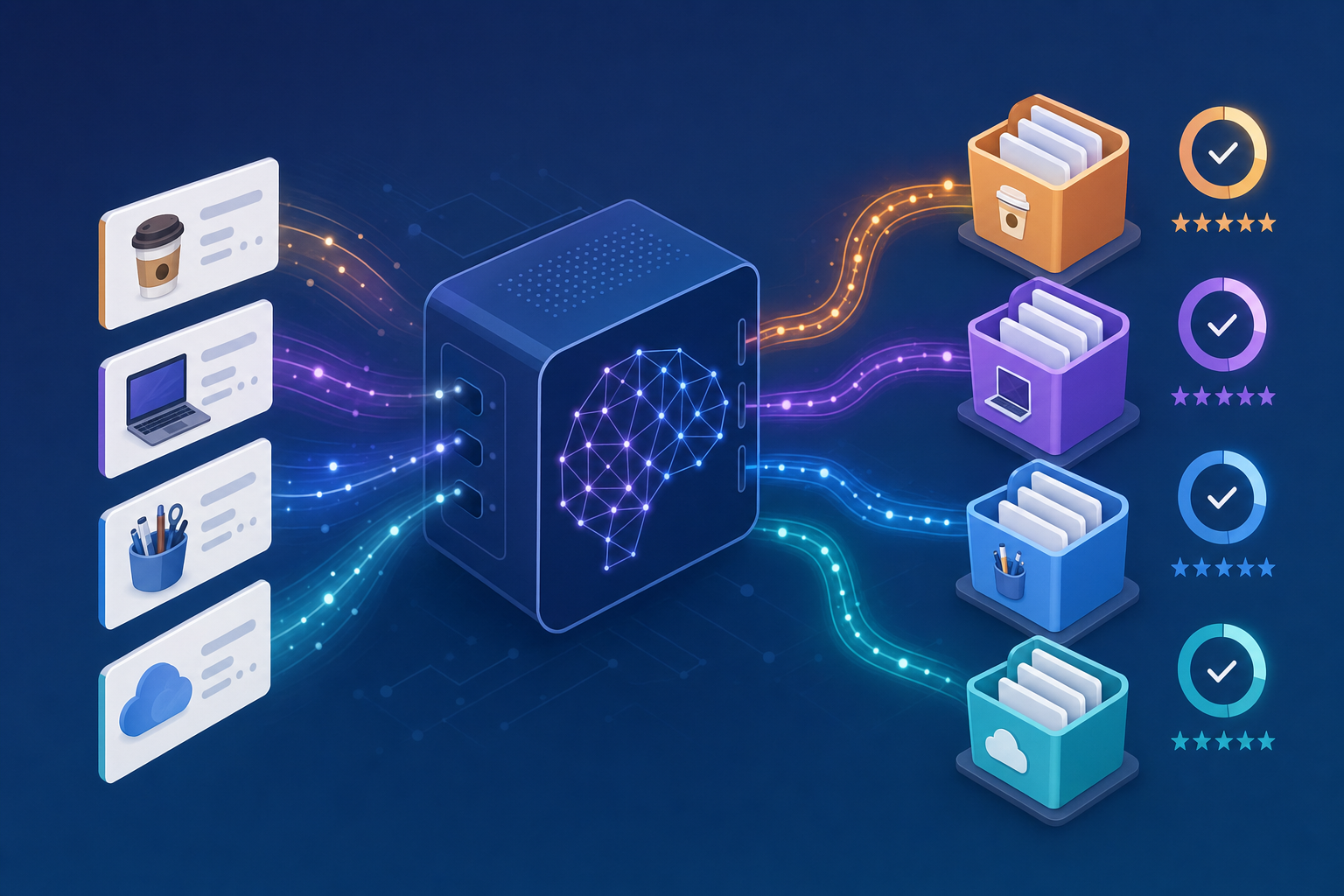
AI reads every transaction as it comes in, matches it to the right category, and learns your chart of accounts over time. For startups processing hundreds of transactions monthly, this is where automation pays off fastest.
Getting categories right from the start keeps your books clean for investor reporting, tax prep, and burn rate tracking. Errors compound quickly when you're moving fast.
Bank reconciliation automation matches your bank transactions to accounting records without manual line-by-line comparison. For early-stage startups, this matters more than most founders realize: reconciliation errors can quietly distort your burn rate visibility for weeks before anyone catches them.
Here is what automated reconciliation actually handles day to day:
The practical result is that your accountant spends time on judgment calls, not on hunting down a $47 mismatch from three weeks ago.
For SaaS startups, revenue recognition is one of the trickier accounting challenges. Under ASC 606, you can't always book revenue when cash hits your bank account. Subscriptions, multi-year contracts, and usage-based billing all require careful deferral and recognition schedules.
Revenue recognition automation handles this by syncing directly with your billing system and calculating the correct recognition schedule for each contract automatically.
For a seed-stage SaaS startup closing its first institutional round, having clean, ASC 606-compliant revenue schedules can meaningfully speed up due diligence. Investors and auditors want to see that deferred revenue is tracked accurately, not reconstructed in a spreadsheet at the last minute.
Manual month-end close processes cost finance teams an average of 5 to 10 days each cycle. For lean startup teams, that's time better spent on growth.
Month-end close automation handles the repetitive work: matching accounts, matching transactions, flagging discrepancies, and generating financial statements without manual intervention. AI-native accounting software can cut close times by identifying errors in real time instead of surfacing them weeks later.
Expense tracking automation captures spending as it happens, categorizes it automatically, and keeps records organized without manual data entry.
Here is what to look for in this category:
Manual tracking creates real problems for distributed startup teams: employees forget receipts, categorize purchases inconsistently, and submit late reports that delay visibility into actual spending. By the time you review the data, the decisions have already been made without it.
Good expense automation handles complex splits by percentage or dollar amount and works across time zones without requiring anyone to chase down records after the fact.
Real-time dashboard automation gives you continuous visibility into cash, burn rate, and runway without waiting for month-end close. Traditional reporting cycles leave founders making decisions on stale data, sometimes weeks old.
A well-configured reporting setup should handle the following automatically:
The real advantage for startups is speed. When your board asks for a financial snapshot, you pull it up instead of spending two days compiling it.
Puzzle brings all seven of these automations together in one AI-native accounting system built for startups. You don't have to piece together separate tools for each workflow. With native integrations to Stripe, Mercury, Ramp, and Gusto, there are no manual journal entries required to fill the gaps between disconnected apps.
The system runs proactively in the background without waiting for you to prompt it. Transactions get categorized as they import, reconciliations run daily, and financial metrics update continuously. By the time you check your dashboard, the work is already done.
Most accounting software was designed for businesses with dedicated finance teams and predictable workflows. Startups have neither. Puzzle was built AI-native from day one, so the automation is architectural, not bolted on after the fact.
Accounting automation built for startups means your financial data updates as transactions happen, not weeks later at month-end. You get accurate runway calculations when board members ask, clean books when investors do diligence, and hours back in your week for the work that actually moves your business forward.
Start with transaction categorization if you're spending hours each month on manual bookkeeping, as it typically delivers the fastest return on time saved. If you're running a SaaS business with subscriptions, focus on revenue recognition automation to stay compliant and investor-ready. Most startups benefit from combining multiple automations instead of implementing just one.
Bank reconciliation and transaction categorization deliver the most value at the pre-seed stage, especially if you're managing books yourself without a dedicated finance team. These automations prevent errors from compounding as you grow and give you clean books when you start fundraising conversations, without requiring the complexity of revenue recognition systems you may not need yet.
Well-designed accounting automation improves both speed and accuracy by eliminating manual data entry errors and catching discrepancies in real time instead of weeks later at month-end. AI-native categorization systems learn your chart of accounts and reach up to 98% accuracy, while automated reconciliation flags mismatches as they occur, preventing errors from hiding in your books until tax time or due diligence.
Switch to accounting automation when you're spending more than 5-10 hours monthly on bookkeeping tasks, preparing for institutional fundraising, or finding errors in your books weeks after they occur. If you're already working with an accounting firm, look for automation that works with your accountant instead of replacing them. The best systems keep your finance team in the loop while handling repetitive work in the background.
AI-native automation learns from your transaction patterns and adapts continuously without requiring manual rule updates each time you add a new vendor or tool, while rule-based systems break when merchant names vary or new scenarios appear. Rule-based automation requires constant maintenance to stay accurate; AI-native systems improve over time as they process more of your data.