Send invoices.
Get paid.
Books done.
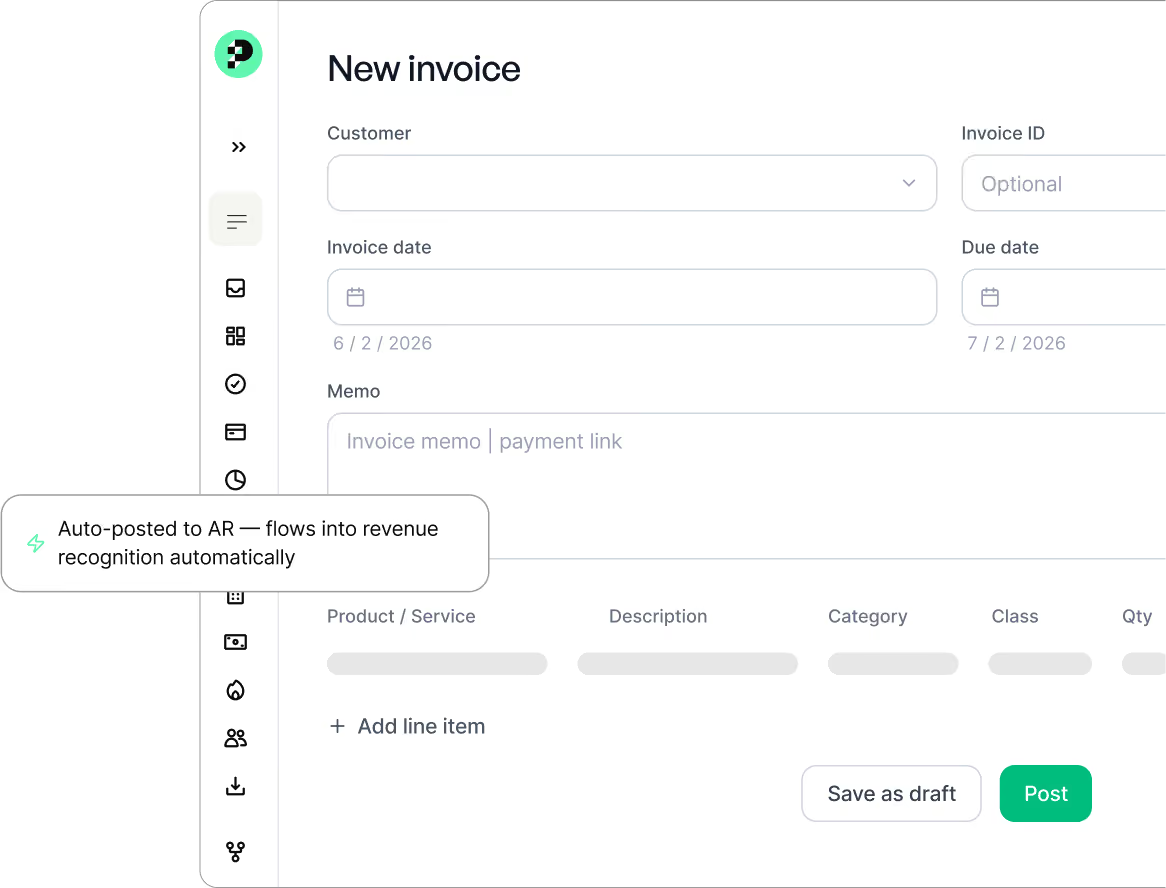
Send professional invoices in seconds and watch them automatically post to accounts receivable and revenue recognition — all inside your general ledger.
0 manual entries
Auto
on every payment
Invoicing that closes the loop.
Most invoicing tools stop at "sent." Puzzle keeps going, all the way to a closed, reconciled general ledger.
That's not just invoicing. That's your close, accelerated.
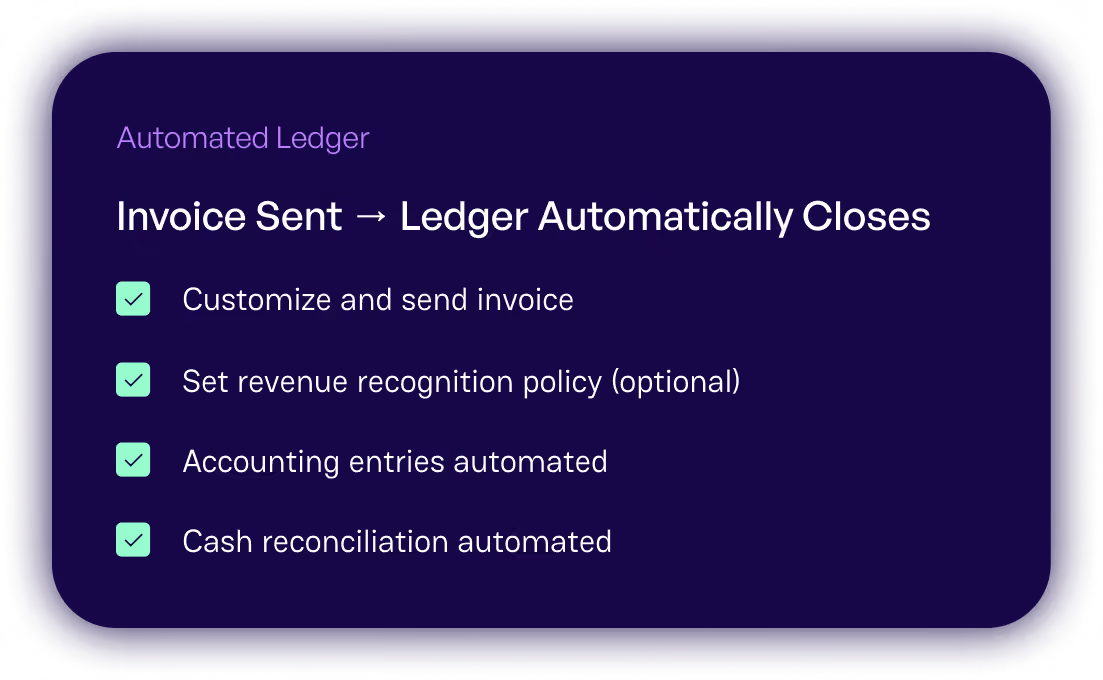



From invoice to closed books in three steps.
No manual journal entries. No reconciliation headaches. No chasing down where the payment landed.
1. Design your invoice.
Build professional, branded invoices directly in Puzzle. Add line items, set payment terms, and customize to match your brand.
2. Send it. Track it.
Email your invoice directly from Puzzle. Track payment status in real time. No more wondering where things stand.
3. Books update themselves.
Payment comes in. Puzzle automatically posts it to accounts receivable and routes it into revenue recognition. Your GL stays clean.
Deep-layer bookkeeping, fully automated.
Built directly into your general ledger. No sync delays, no integration failures. Just one unified system.
Design invoices that look like you.
Build professional, branded invoices directly in Puzzle. Add your logo, set your colors, customize line items and payment terms in minutes.
Automates into revenue recognition.
Invoices feed directly into your revenue recognition workflow. Accrual entries happen automatically, keeping your books GAAP-ready.
Built into your general ledger.
Invoicing lives in the same platform as your GL, reconciliation, and reporting. No sync delays. No integration failures. It's all one system.
Invoicing that goes further.
Most invoicing tools stop at sending. Puzzle keeps going — all the way to a closed, reconciled general ledger.
A note on payment processing
Puzzle handles the invoicing, the accounting, and the bookkeeping. Payment processing is handled by your preferred third-party provider. Puzzle integrates seamlessly with the tools you already trust — so you keep full control of your payment relationships, and we keep your books perfectly in sync.
Questions we hear a lot.

Nothing posts to the GL without your approval. Every agent drafts the work for review and approval, citing the finding, reasoning and recommended next steps before you click approve. If something looks off, you edit it, delete it or override it. You're not trusting the AI blindly. You're reviewing its work the same way you'd review a junior bookkeeper's output. The AI has already done the heavy lifting.
Automatically. Every invoice you send creates an AR entry in real time. When payment is received through your payment provider, Puzzle matches it to the invoice and clears the AR entry — no manual reconciliation needed.
Yes. Invoices feed directly into Puzzle's revenue recognition workflow. Accrual entries are created and recognized automatically based on your schedule, keeping your books GAAP-ready without manual journal entries.
Puzzle integrates with Stripe and Mercury automatically. You can also use any other payment provider — Puzzle will match incoming payments to open invoices and update your books accordingly.
Absolutely. Puzzle maintains both cash and accrual books simultaneously — you don't have to choose. Your clients get the cash-basis view they prefer; your firm gets the accrual-basis books you need. Invoicing works seamlessly across both.
Yes — Puzzle Invoicing is live. Book a demo to see it in action and get set up for your firm or your clients.




Invoicing that closes the loop.
Send invoices. Watch them post to AR. Watch them flow into revenue recognition. Watch your close get shorter.