Ten business days to close is normal. It's also kind of a lot when your burn rate and runway decisions can't wait that long. The part most tools skip over is that automating month-end close means different things depending on which layer of your workflow you're actually fixing.
TLDR:
According to 2025 benchmarks, only 7% of companies close their books in under three days. The typical close runs 8 to 10 business days, and 50% of finance teams still need over a week. For a startup where numbers feed investor updates, board decks, and burn decisions, waiting 10 days to know where you stand is a real problem.
Most of that time goes to manual work: pulling transactions from disconnected sources, hunting uncategorized expenses, and building spreadsheet reconciliations that break the moment something changes. Legacy accounting tools were designed for accountants to do this work, not to automate it.
"Automating the close" means different things depending on which tool is selling it to you. Before comparing options, it helps to know what category you're actually looking at.
There are three distinct layers, and most tools marketed as "automated close" today sit somewhere between the first two.
The oldest layer. Scripts match transactions against fixed conditions, scheduled exports pull data at set intervals, and reconciliation rules flag anything outside expected ranges. Fast for routine volume, brittle when something changes, and still requires humans to trigger most steps and clean up exceptions.
A step up. The system flags anomalies, drafts journal entries, and routes exceptions for review. A human still initiates each workflow and approves before anything posts. The work gets faster; the process stays the same.
The newest category. An agentic AI for month-end close plans, executes, and checks its own work across multi-step workflows without waiting for manual triggering at each stage. It can find a variance, trace it to the source, flag it, and wait for sign-off before updating the ledger. The difference from AI-assisted is architectural: the agent acts, it does not simply advise.
Knowing which category a tool falls into tells you what you'll still be doing manually every month.
Not every close task is worth your automation budget. Some require judgment calls that no rule set handles well. Others are pure volume work where AI removes the burden entirely. Start with the highest-impact targets.
The workflows lowest on this list involve client-specific judgment: complex multi-entity eliminations, advisory interpretations, and final sign-off. Those stay human. The goal is to strip out high-volume, rules-based execution so human attention goes where it actually matters.
Traditional bank reconciliation runs on a batch model: at month-end, someone downloads a bank statement, imports it into the GL, and spends hours matching transactions line by line. With native bank integrations, that model collapses into continuous matching. Transactions sync daily, exceptions surface in real time, and the painful end-of-month pile-up disappears.
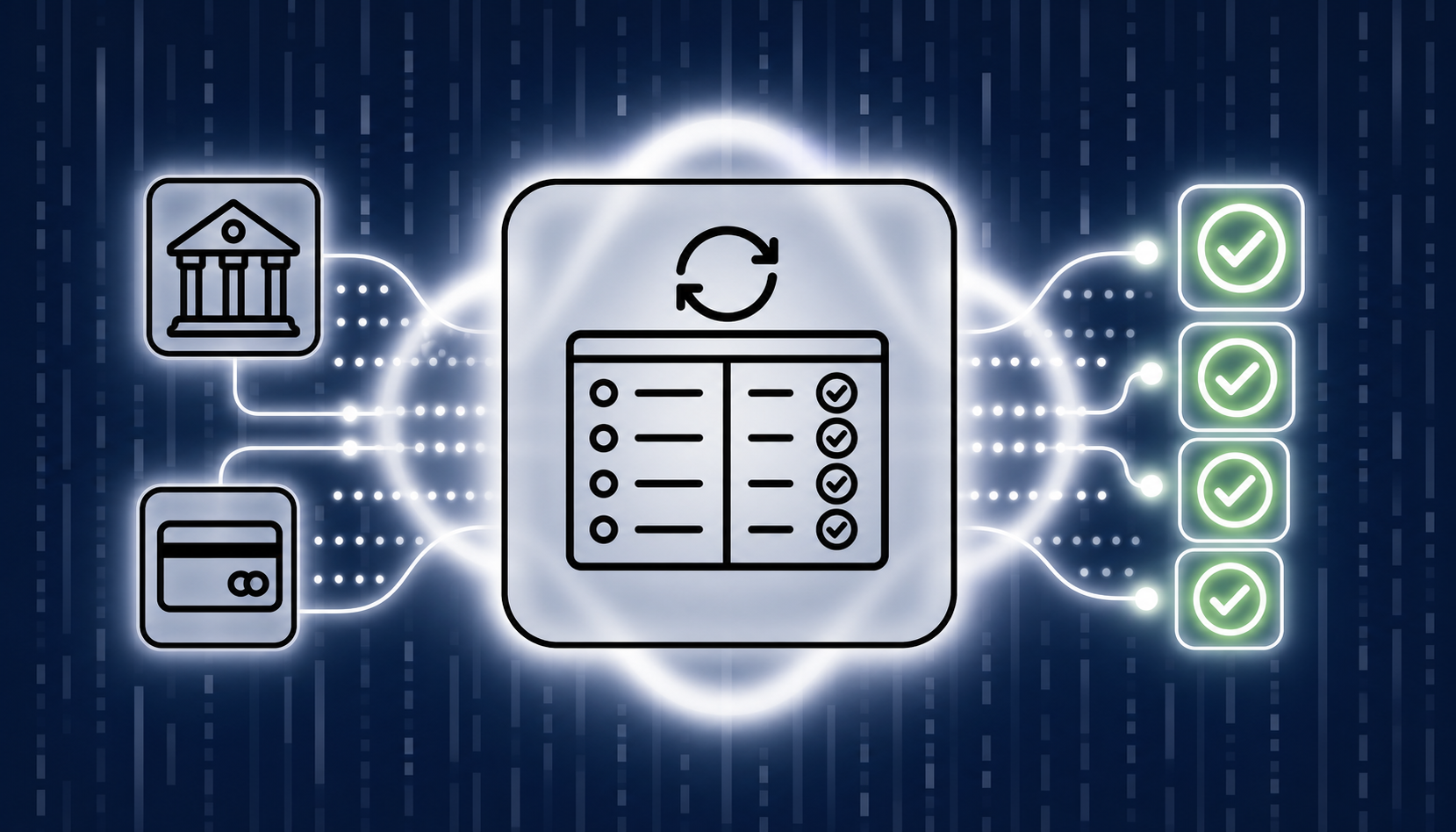
The distinction between native integrations and CSV uploads matters more than most tools admit. With a direct connection to Mercury or Ramp, reconciliation happens automatically on each import. With banks requiring manual CSV exports, the "automated" reconciliation still depends on someone remembering to pull the file.
The practical impact goes beyond saving time. Your burn rate and runway figures are only as current as your last matched and confirmed balance. Daily reconciliation means those numbers reflect reality when you're making hiring or spending decisions mid-month, not weeks after the fact.
What you still review: exceptions the system can't match automatically, inter-account transfers that require context, and transactions from banks outside the native integration set. The goal is concentrating human attention on the roughly 4% that actually needs judgment.
Payroll journal entries are where startups routinely lose an hour they never get back. The entry itself is straightforward, but without a native integration between your payroll provider and your GL, someone has to export a report, parse the totals, and manually post wages, taxes, and employer contributions every month.
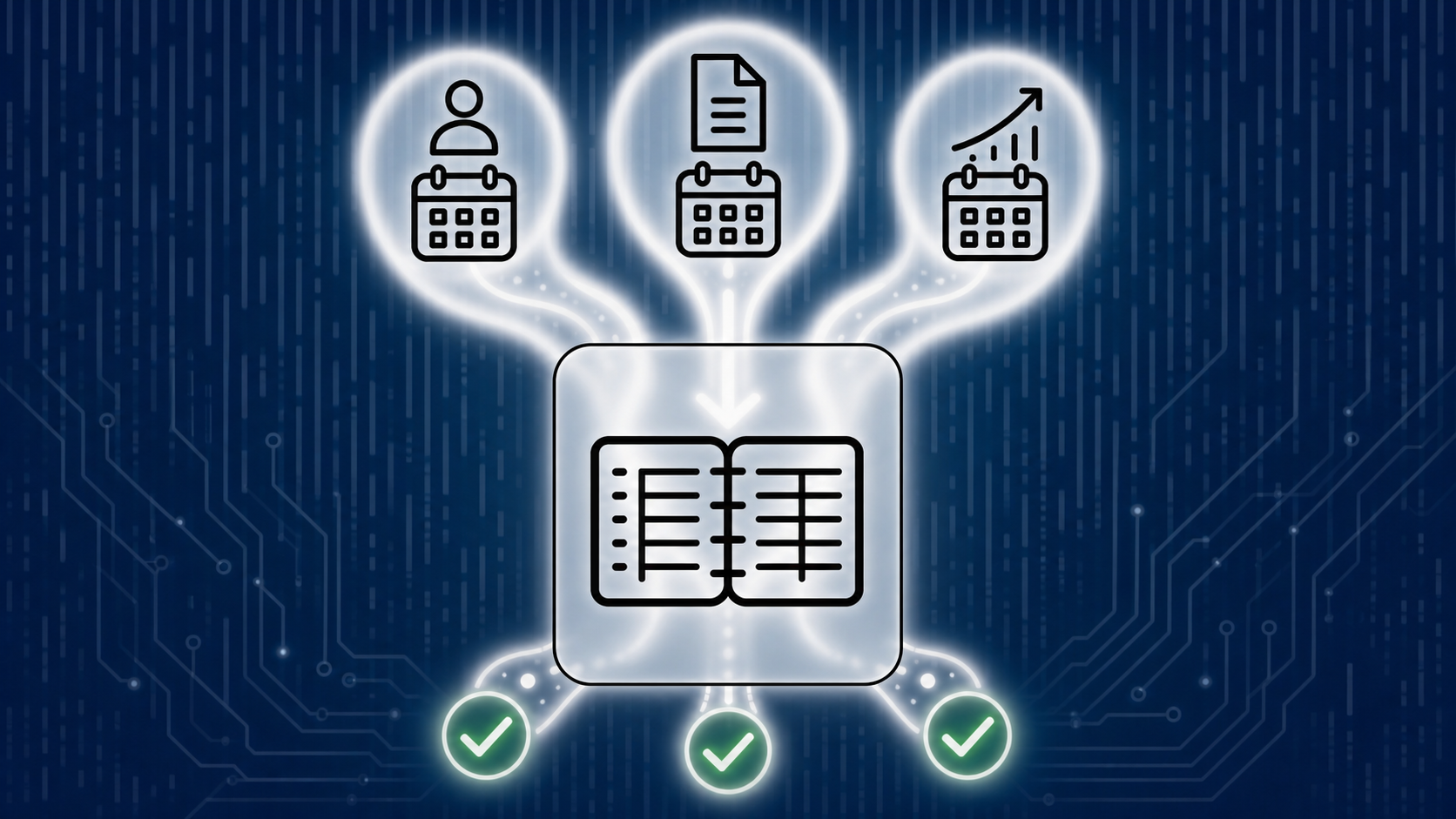
When a direct integration exists (such as with Gusto payroll automation), that entry posts automatically on each payroll run. When it doesn't, the workaround is uploading a payroll summary and having AI draft the journal entry from the file. You review the account mapping and post. The work goes from 45 minutes to about five.
Accruals follow the same logic. Prepaid expenses, depreciation, and deferred revenue all run on predictable schedules once the initial rules are set. Configure the schedule once, and the system posts entries without prompting. What still requires judgment is the initial setup, catching schedule changes (a contract amendment, an early cancellation), and confirming closed-period entries land correctly.
Revenue recognition is the most complex of the three, especially for SaaS businesses with multiple subscription tiers or annual prepays. The core workflow, applying the right recognition schedule per product type and deferring unearned revenue across periods, can be automated once policies are defined at the product level. The judgment work lives in those policy decisions and in edge cases like mid-cycle plan changes or prorated refunds.
Human review stays necessary for any entry that crosses a period boundary, involves an estimate, or reflects a contract term the system has never seen before.
Managing one company's month-end close is a workflow problem. Managing 50 companies' month-end close in the same five business days is a capacity problem that demands month-end close software for accounting firms.
A firm with 10 team members and 100 clients can't manually execute individualized close processes for each account without someone working nights through the first week of every month. The firms solving this start with standardization, then layer in automation.
The starting point is a master close checklist across the entire client portfolio, with per-client variations handled at the account level. Once the workflow is consistent, AI agents can execute it at scale: running reconciliations, posting accruals, flagging exceptions, and surfacing findings for accountant review. Nothing posts to the GL without explicit approval.
The benchmark firms are targeting is a 4th business day close across all clients, at ratios firms report targeting of 30 clients per team member, up from the typical 10. That capacity math is the core business case for firm-level close automation.
The right month-end close automation tools for startups depend less on feature lists and more on where you actually are. An enterprise financial close tool at pre-seed is overkill; a basic spreadsheet workflow at Series B is a liability.
| Stage | Key needs | Right fit |
|---|---|---|
| Pre-seed / Seed | Fast setup, fintech stack integration, AI categorization, basic reconciliation | AI-native accounting software with native connections to Mercury, Stripe, Ramp |
| Series A / B | Dual-basis accounting, automated rev-rec, investor-ready reporting, burn and runway visibility | Purpose-built startup accounting with accrual automation and real-time metrics |
| Accounting firm managing a portfolio | Standardized close workflows at scale, multi-client checklist management, agentic execution | Firm-facing close automation with agent-based execution and per-client customization |
At pre-seed, the goal is getting off spreadsheets without spending 10 hours on configuration. Native integrations and AI categorization handle the heavy lifting; transaction volume is low enough that the close stays short.
Series A complexity changes the equation. Revenue recognition, deferred revenue, and investor reporting requirements mean the tool needs to handle accrual accounting natively, not as a workaround.
At firm scale, the bottleneck is capacity. The best accounting software for bookkeeping firms runs a consistent close workflow across 50 clients without manual triggering for each one.
Real-time transaction capture and real-time finalized books are not the same thing. Most startups have the first; very few have the second.
Connecting Mercury, Stripe, or Ramp gets transactions into your GL the same day. But a transaction appearing is different from one being categorized, matched to the ledger, and signed off on. The traditional close exists because finalization takes time, not because the data is hard to get.
A genuine continuous close means AI agent workflows for month-end close run reconciliation, post recurring entries, and flag exceptions on a schedule without manual triggering. That requires three preconditions working reliably together:
Most early-stage startups are not there yet. If you're uploading CSVs for your main bank, or your AI categorization is in its first month of learning, daily finalization creates more work than it saves.
Continuous close is where accounting is heading, and the infrastructure exists today for startups with the right setup. It is a destination, not a starting point.
Slow closes rarely have one cause. They have four or five small ones that compound.
The pattern is the same across all four: the work is happening at the wrong time. Automation moves it upstream, where it costs minutes instead of hours.
Puzzle was built AI-native from day one, so categorization, reconciliation, and accuracy run continuously in the background whether or not anyone is logged in. 85–90% of transactions are categorized automatically, with the AI learning from every finalized decision without manual rule-building.
The numbers are concrete: Trivium cut bank reconciliation from 2 hours to 5 minutes, with 81% completing without any human intervention. Close time is down up to 50% at partner firms including Burkland and Accountalent.
For accounting firms managing client portfolios, AI Close solves the capacity problem through four steps: Describe (plain-English instructions defining the close process), Lock (AI converts those into repeatable steps), Approve (human sign-off before anything executes), and Review and Finalize (AI scans for discrepancies and surfaces findings). Every GL entry requires explicit human approval before posting.
The firm-level result is scaling from 10 to 30 clients per team member. Puzzle also partners exclusively with accounting firms and never competes for their clients, which matters when assessing whether a software vendor's incentives are actually aligned with yours.
The tools exist today to close in four days or fewer, but the path there depends on your stage and your stack. Start with the high-volume, rules-based work, get your integrations native, and let AI handle what it handles well. The judgment calls stay yours. Book a demo with Puzzle to see where automation fits into your current close process.
For seed-stage startups running on Mercury or Ramp, AI-native accounting software with direct bank integrations handles reconciliation automatically on each import, no CSV exports required. Puzzle cuts bank reconciliation from 2 hours to 5 minutes, with 81% of reconciliations completing without any human intervention. If your primary banking is with an institution that lacks a native API connection, you will still need manual CSV uploads, so the integration list matters as much as the feature.
Digits positions autonomy as its core value: AI agents act and post without waiting for accountant sign-off, which means by the time you see the output, the decisions are already made. Puzzle inverts that model: AI executes the close workflow, but every general ledger entry requires explicit human approval before posting, keeping accountants in the decision seat instead of leaving them to clean up after autonomous actions. For firms where the books feed investor reporting and client relationships, catching a misclassification before it posts is worth more than marginal speed gains from fully autonomous execution.
AI Close lets firms describe a close workflow in plain English, lock it into repeatable steps, and run it across their entire client portfolio without manually triggering each account. Debit and Co. uses this model to close all clients by the 4th business day of each month, and firms are scaling from 10 to 30 clients per team member. The key requirement is a standardized master checklist across the portfolio, with per-client variations handled at the account level, so the agent has consistent logic to execute at scale.
When a direct payroll integration exists, the journal entry posts automatically on each payroll run. For providers without a native connection, the workflow is uploading a payroll summary or PDF and having the AI draft the journal entry from that file, mapping wages, taxes, and employer contributions to the correct accounts for your review before posting. The work drops from roughly 45 minutes to about five, though the initial account mapping setup still requires a human decision.
The case for AI-native accounting software starts earlier than most founders expect, because the cost of waiting goes beyond time spent on manual work. It is the gap between when something goes wrong in your financials and when you find out, which at pre-seed can be weeks. Native integrations with Stripe, Mercury, and Ramp get your burn rate and runway figures updating daily from the moment you connect, so decisions about hiring or spending reflect your actual position, not last month's spreadsheet.