Puzzle + Brex: Built for Startups That Move Fast
Sync your Brex activity directly into Puzzle to automate categorization, reconciliation, and reporting—no spreadsheets, no delays.

About
Brex
Brex is a financial platform built to power growing companies. With corporate cards, spend management, business accounts, and integrated tools, Brex helps startups and enterprises alike move faster with smarter financial infrastructure.
How It Works
You can connect Brex to Puzzle directly from your Brex dashboard and set up accounting in one click; Brex prepares enriched expense data and syncs it to Puzzle’s general ledger. Puzzle ingests posted card transactions (merchant, amount, memo), accounting fields (e.g., category/class/custom fields), and receipt references so entries are categorized and documented automatically. From there, month-end is faster: transactions flow into Puzzle, receipts stay attached, and exports stay consistent with your accounting rules.



Close the Books in Days, Not Weeks
Integrating Puzzle with your banking and expense platforms gives you real-time access to categorized transactions, payment activity, and account balances—automatically categorized to your chart of accounts. No more downloading CSVs, chasing receipts, or waiting for monthly statements.
Spot Trends and Anomalies Instantly
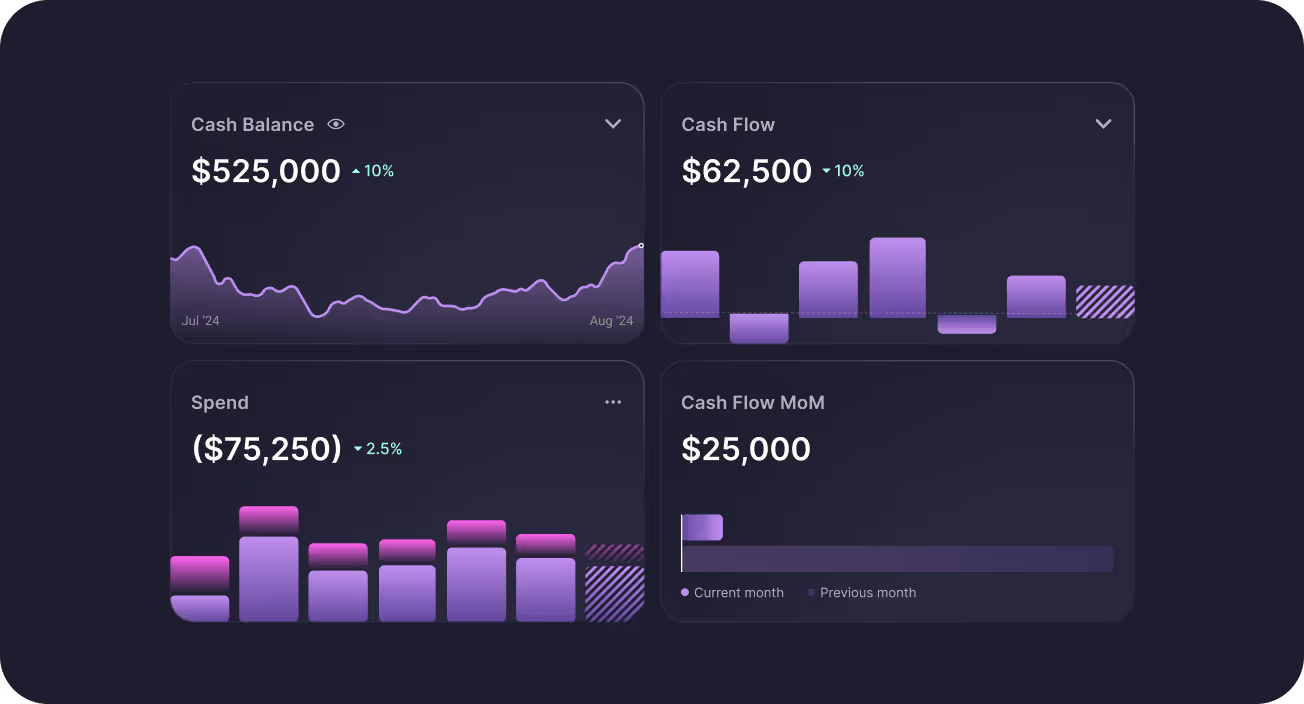
Stay ahead of cash flow shifts and spending patterns with real-time dashboards powered by your banking data. Whether it's tracking burn, runway, or unexpected spikes in card activity, It’s proactive financial insight built for fast-moving team


Automate the Monotonous, Focus on Growth
With direct integrations, tedious tasks like reconciliation, categorization, and duplicate detection happen automatically in the background. That means fewer manual errors for more time focused on what you are building, your customers, and scaling. Puzzle turns your financial ops into a strategic advantage.
Alignment That Instills Investor Confidence
With Puzzle connecting your banking, cards, and accounting, the whole team operates from the same real-time data. Founders stay on top of burn, operators move fast with clarity, and finance teams are always ready with investor-grade reports. When your team is aligned, your numbers tell a story investors can trust.
How to Connect
FAQs

Yes. Brex is a direct Puzzle integration for banking and cards. You can connect Brex from Puzzle’s Integrations page; Brex also supports starting accounting setup toward Puzzle from the Brex dashboard.
For Brex bank accounts, categorizations on transactions sync into Puzzle. For Brex credit cards, categorizations sync and receipts attached in Brex sync to Puzzle. Live How-it-works copy also describes posted card fields such as merchant, amount, memo, mapped accounting fields, and receipt references landing in the ledger. Category updates after the first sync must be made in both Brex and Puzzle.
Direct integrations like Brex sync at least once a day, early morning Pacific (partners also sync overnight). To pull recent Brex activity right away, go to Integrations → Sync all.
In Puzzle, open Integrations, connect Brex, and sign in with a Brex admin account so Puzzle receives the permissions it needs. Approve all requested permissions, then click Sync all. You can also initiate accounting connection from Brex (Accounting → Connect) and select Puzzle, then map fields as prompted.
Yes. Receipts attached to Brex credit card transactions sync into Puzzle so records stay documented for review and audit. If nothing is syncing despite a “connected” status, reconnect with a Brex admin, re-approve permissions, and run Sync all.
See All Puzzle Integrations
Explore 400+ integrations to help you run your business




Let’s make automating your Accounting easier, together.
Tell us which integrations would improve your experience—we’re ready to build them.
FAQs
Puzzle connects directly to Brex so Brex bank and card activity—and receipts on card transactions—flow into your ledger with categorizations from Brex on the first sync. Brex syncs at least once a day; reconnect with a Brex admin and run Sync all if the connection looks stuck.
Yes. Brex is a direct Puzzle integration for banking and cards. You can connect Brex from Puzzle’s Integrations page; Brex also supports starting accounting setup toward Puzzle from the Brex dashboard.
For Brex bank accounts, categorizations on transactions sync into Puzzle. For Brex credit cards, categorizations sync and receipts attached in Brex sync to Puzzle. Live How-it-works copy also describes posted card fields such as merchant, amount, memo, mapped accounting fields, and receipt references landing in the ledger. Category updates after the first sync must be made in both Brex and Puzzle.
Direct integrations like Brex sync at least once a day, early morning Pacific (partners also sync overnight). To pull recent Brex activity right away, go to Integrations → Sync all.
In Puzzle, open Integrations, connect Brex, and sign in with a Brex admin account so Puzzle receives the permissions it needs. Approve all requested permissions, then click Sync all. You can also initiate accounting connection from Brex (Accounting → Connect) and select Puzzle, then map fields as prompted.
Yes. Receipts attached to Brex credit card transactions sync into Puzzle so records stay documented for review and audit. If nothing is syncing despite a “connected” status, reconnect with a Brex admin, re-approve permissions, and run Sync all.