Most accounting software still works the same way it did twenty years ago: you enter data, it stores it, and when you need a report, you tell it what to pull. An accounting agent flips that around. It watches your books continuously, acts when it finds something worth flagging, and surfaces insights before you think to ask. Accounting software waits for you to match accounts, categorize transactions, or run your month-end checklist. An accounting agent does that work on a schedule and brings you the exceptions. The category includes tools built different ways. QuickBooks accounting agent and Intuit accounting agent are embedded in legacy platforms built before AI was a design consideration. Ramp accounting agent handles GL coding at the transaction level. Basis AI accounting software and others were built AI-native from the ground up. The structural difference determines what the agent can do without supervision and where you still need to approve before anything touches your financials. This guide covers what accounting agents do in practice, how they differ from legacy software, where human review still belongs, and how to assess which option fits your startup.
TLDR:
An accounting agent is an AI system designed to handle discrete accounting tasks autonomously, from categorizing transactions and matching accounts to generating financial reports and flagging anomalies. Where earlier accounting software required a human to execute every step, an accounting agent receives a goal and works through the necessary steps to complete it.
The term covers a wide range of tools. Some agents operate inside existing software, like the QuickBooks accounting agent embedded in Intuit's product suite. Others are standalone products built from scratch with AI at the core. What they share is the ability to act, and to do so autonomously.
Most accounting software is reactive: it stores data, runs calculations when prompted, and surfaces reports on demand. An accounting agent is proactive. It monitors your books continuously, initiates actions based on rules or learned patterns, and surfaces issues before you ask.
The practical effect is a shift in where human attention goes: away from data entry and toward review, judgment, and decision-making.
Accounting agents sit at the intersection of two distinct AI behaviors: probabilistic reasoning and deterministic execution. Understanding both helps clarify why these agents can do things a simple chatbot cannot.

The probabilistic layer is where the agent interprets intent. When you ask "why did our burn rate spike in April?", the agent parses context, pulls relevant transactions, and reasons across incomplete information to form a response. This layer tolerates ambiguity because its job is comprehension.
The deterministic layer is where action happens. Once intent is clear, the agent executes defined workflows: categorizing a transaction, flagging a reconciliation discrepancy, or posting an entry to the general ledger. No guessing here. The output follows rules.
Accounting has zero tolerance for errors that compound over time. A miscategorized transaction in January can distort every downstream report through December. The two-layer architecture exists precisely because accounting needs both flexibility in understanding and precision in execution.
Here is how that plays out across the core tasks an accounting agent handles:
The human-in-the-loop step is not a workaround for AI limitations. It is the correct architectural choice for a domain where every number eventually ends up in front of an investor, an auditor, or the IRS.
Accounting agents handle the parts of the general ledger that consume the most time with the least strategic payoff. The work looks different depending on the tool, but a few core tasks show up across nearly every implementation.
Automation handles volume; judgment still belongs to the accountant. An agent can categorize 500 transactions, but a controller needs to review anything unusual before it touches a final set of books. The better accounting agents are built with approval workflows in mind, so the AI does the drafting and the human does the sign-off. That division keeps the audit trail clean and the books defensible.
Every action an accounting agent takes goes through a human checkpoint before it touches the books. No autonomous posting, no silent categorization, no background reconciliation that you find out about at month-end.
This matters because the cost of a wrong journal entry compounds. A misclassified expense in January becomes a restatement conversation in December, right before a fundraise.
The approval model works in three layers:
This is the explicit contrast with fully autonomous accounting tools that process first and report after. By the time you see the output in those systems, the decisions are already made. The human-in-the-loop model keeps you in the decision seat, which is especially important when your books are the foundation for investor reporting or tax filings.
For startups, this also means your accounting firm stays in control of the work product. The agent handles the volume; your accountant reviews the judgment calls. That division of labor is what makes AI genuinely useful in accounting without removing the expertise that catches what the model misses.
Not all AI accounting agents work the same way, and the difference matters more than most vendor marketing lets on.
At one end of the range, you have AI agents that act as copilots: they surface anomalies, draft journal entries, and flag categorization errors, but a human reviews and approves before anything touches the books. At the other end, fully autonomous systems act, post, and close without waiting for sign-off.
Here is how the two approaches compare across the dimensions that matter most for a startup:
| Dimension | Copilot agent | Autonomous agent |
|---|---|---|
| Human approval required | Yes, before posting | No, acts independently |
| Auditability | High: every action has a reviewer | Variable: logs exist, but no human checkpoint |
| Error correction | Caught before the books are affected | Caught after, sometimes after close |
| Best fit | Early-stage startups, complex GL | High-volume, low-complexity transactions |
| Accountant role | Reviewer and advisor | Monitor and exception handler |
The copilot model keeps accountants in the loop as a decision-maker, not a cleanup crew. The autonomous model can be faster on routine volume, but the trade-off is that errors compound quietly until someone audits the output.
For most startups where the books feed fundraising conversations and investor reporting, catching a misclassification before it hits your financials is worth more than marginal speed gains.
Intuit launched its QuickBooks Accounting Agent in 2025, positioning it as a conversational AI layer built into QuickBooks Online. The agent lets users ask questions in plain English and get answers pulled from their own financial data, such as "What were my top expenses last quarter?" or "Which customers have overdue invoices?"
The agent covers a focused set of tasks where it genuinely saves time:
The QuickBooks Accounting Agent is built on Intuit's existing data model, which means its capabilities are bounded by QuickBooks' underlying architecture. A few constraints worth knowing:
The agent is a meaningful step forward for QuickBooks users, but it is retrofitted onto legacy architecture that was built before AI was a design consideration, not built from the ground up with AI at its core.
Several accounting agents have shipped recently, each taking a different approach to what "automated" actually means in practice.
QuickBooks Accounting Agent sits inside QuickBooks Online and answers questions about your books in plain language. It can pull reports, flag anomalies, and explain variances, though it works within the bounds of whatever data already lives in QuickBooks.
Intuit Assist expands on that with proactive nudges: cash flow forecasts, overdue invoice alerts, and suggested categorizations. It's trained on Intuit's dataset across millions of businesses.
Ramp's accounting agent tackles expense categorization and GL coding directly at the point of spend, which cuts a meaningful chunk of the reconciliation work that typically happens after the fact.
Basis AI is building toward a more autonomous bookkeeping model, where the agent handles a larger share of the close with less human review at each step.
The meaningful difference across these tools is where human judgment enters the workflow. Some agents surface recommendations and wait for approval. Others act first and log it. That distinction matters more than any individual feature, because it determines how much you can trust the output before it touches your books.
Before writing a single line of code or buying any software, map the accounting work you actually do in a week. The highest-value targets for an accounting agent are repetitive, rule-driven tasks with clear inputs and outputs.
Pick one workflow first. Common starting points include:
Once one workflow runs reliably, you expand from there.
Accounting agents get better over time, but only if they start with the right foundation. Most systems are trained on a combination of historical transaction data, chart of accounts structure, vendor and payee patterns, and prior human categorization decisions. The more history they have access to, the faster they reach useful accuracy.
QuickBooks' accounting agent, for example, draws on transaction patterns across millions of businesses to build baseline categorization models, then refines those models against your specific books as you correct its suggestions. Intuit has confirmed that data used to train its AI agents includes anonymized transaction histories, rule-based categorization corrections, and payroll records across its customer base.
A few factors drive how quickly an accounting agent gets reliable:
The practical implication: the first 60 to 90 days with any accounting agent are a calibration period. Accuracy improves sharply after the model has seen enough corrected examples to recognize your specific vendor mix, expense categories, and revenue streams. Expecting perfect output on day one sets the wrong benchmark.
The general ledger has historically been the last place anyone expected AI to show up. Categorization, journal entries, reconciliation, and close checklists have been manual by default, owned by whoever had the patience to do them right.
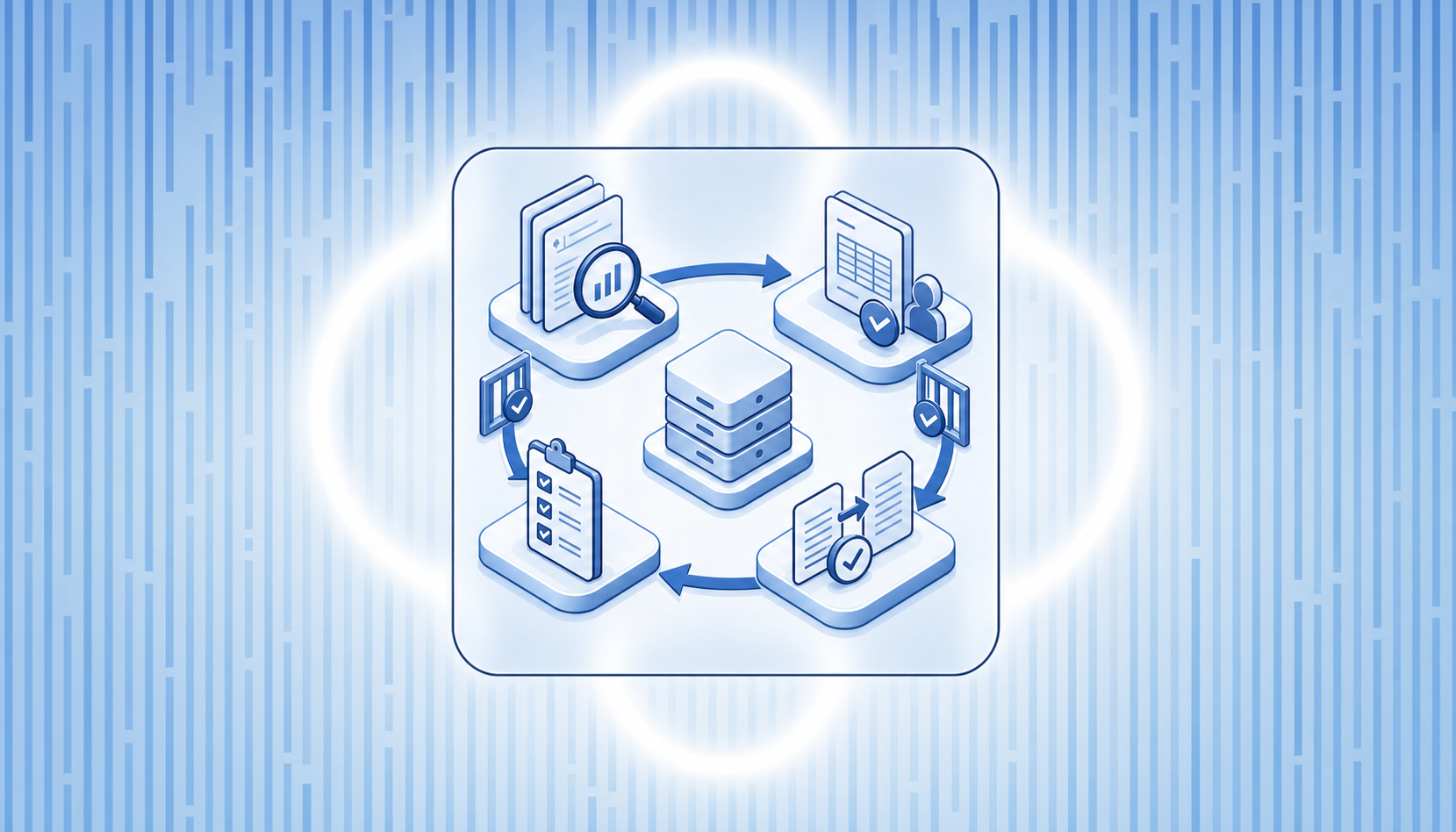
AI agents are changing that calculus. The most capable accounting agents today can run the full month-end close sequence autonomously: flagging anomalies before they become errors, suggesting journal entries based on prior periods, and matching accounts without a human kicking off each step.
Here is what that looks like in practice:
The key word is "review." The best accounting agents are not built to act without oversight. They are built to do the work and surface it for approval, keeping a human in the loop before anything posts to the books. That distinction matters: autonomous action without visibility is how errors compound quietly across a quarter.
For startups, this changes accounting from a reactive monthly process into something closer to continuous bookkeeping, where burn rate and runway reflect the actual state of the business, not the state it was in three weeks ago.
Puzzle's AI Close is built around the general ledger from the ground up, not grafted onto a legacy chart of accounts. When transactions come in from your fintech stack (Stripe, Mercury, Ramp, Brex, Gusto), Puzzle's AI categorizes 85–90% of them automatically and keeps your books updated in real time without waiting for a monthly batch process.
The accounting agent layer in AI Close handles the work that typically consumes hours each month:
The key architectural difference is where humans stay in the loop. Puzzle's AI does the categorization and reconciliation work, but nothing posts to the books without review and approval. Your accountant or controller sees what the agent flagged, checks the logic, and signs off. That approval step is not optional overhead; it's the design. An accounting agent that acts fully autonomously removes the ability to catch errors before they reach your financials.
For startups working with an accounting firm, this model means the firm spends time on advisory work, not on correcting miscategorized transactions. Puzzle partners with firms instead of routing around them, and AI Close reflects that directly in how the workflow is structured.
Not all accounting agents are built the same, and the difference between a copilot and a fully autonomous system shows up in your audit trail. Puzzle built AI Close with human approval as the design, not an afterthought: your accountant reviews what the agent flagged before it touches the books. Book a demo if you want to walk through how that workflow actually runs during month-end close.
Traditional accounting software waits for you to input data and run reports when you need them. An accounting agent monitors your books continuously, initiates actions based on learned patterns, and surfaces issues before you ask, shifting your time from data entry to review and decision-making.
It depends on the agent's architecture. Copilot-style agents (like those in Puzzle AI Close) surface recommendations and require explicit human approval before anything posts to the general ledger. Fully autonomous agents act independently and post transactions without waiting for sign-off. For startups where books feed fundraising conversations, catching a misclassification before it hits your financials is worth more than marginal speed gains.
QuickBooks' accounting agent is retrofitted onto legacy architecture and works within QuickBooks Online's data model: it reads and summarizes data but doesn't make autonomous changes. Puzzle AI Close is built AI-native from the ground up, categorizes 85–90% of transactions automatically, runs reconciliation continuously (cutting 2 hours to ~5 minutes), and executes month-end close checklists on a schedule. The key difference: Puzzle was designed for AI from day one, not bolted onto decades-old infrastructure.
Accounting agents can generate cash flow summaries, burn rate snapshots, profit and loss statements, balance sheet updates, variance reports, accounts receivable aging reports, and reconciliation status, all pulled from live data instead of frozen exports. The best agents surface why numbers changed and what changed.
Accuracy improves sharply after the agent has seen 60 to 90 days of corrected examples. Transaction volume accelerates learning: a startup running 200 transactions per month will see faster calibration than one running 20. Consistency in your chart of accounts matters more than most users expect; frequent account restructuring slows stabilization.